Skip to content

AutomationsFrom Professional

Describe a workflow and Spectra drafts it for you.

Build follow-ups on a visual canvas, or describe one in plain English for the AI builder to draft. Send steps check marketing consent by default, and you see every run.

What it does

A canvas your team can read.

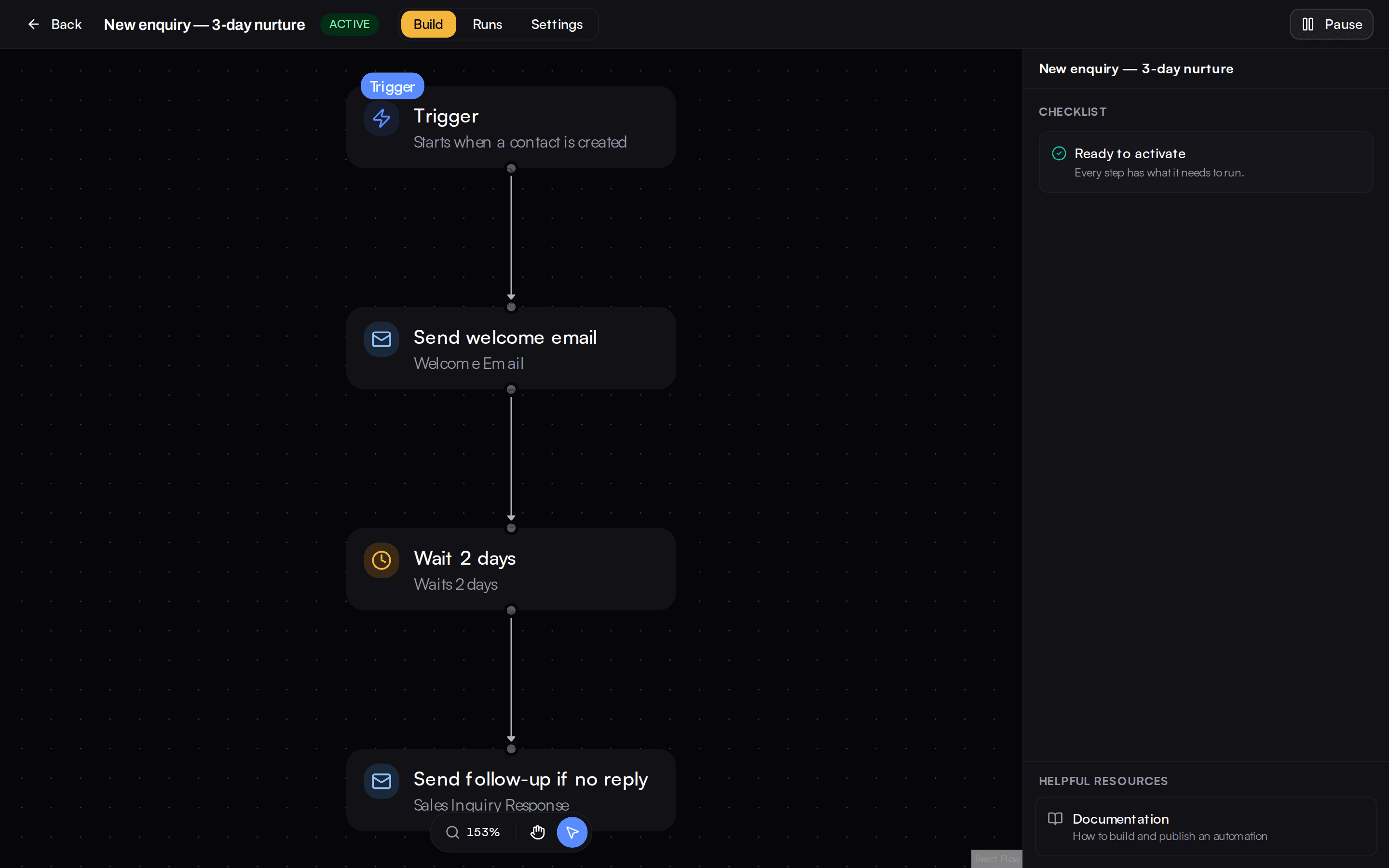
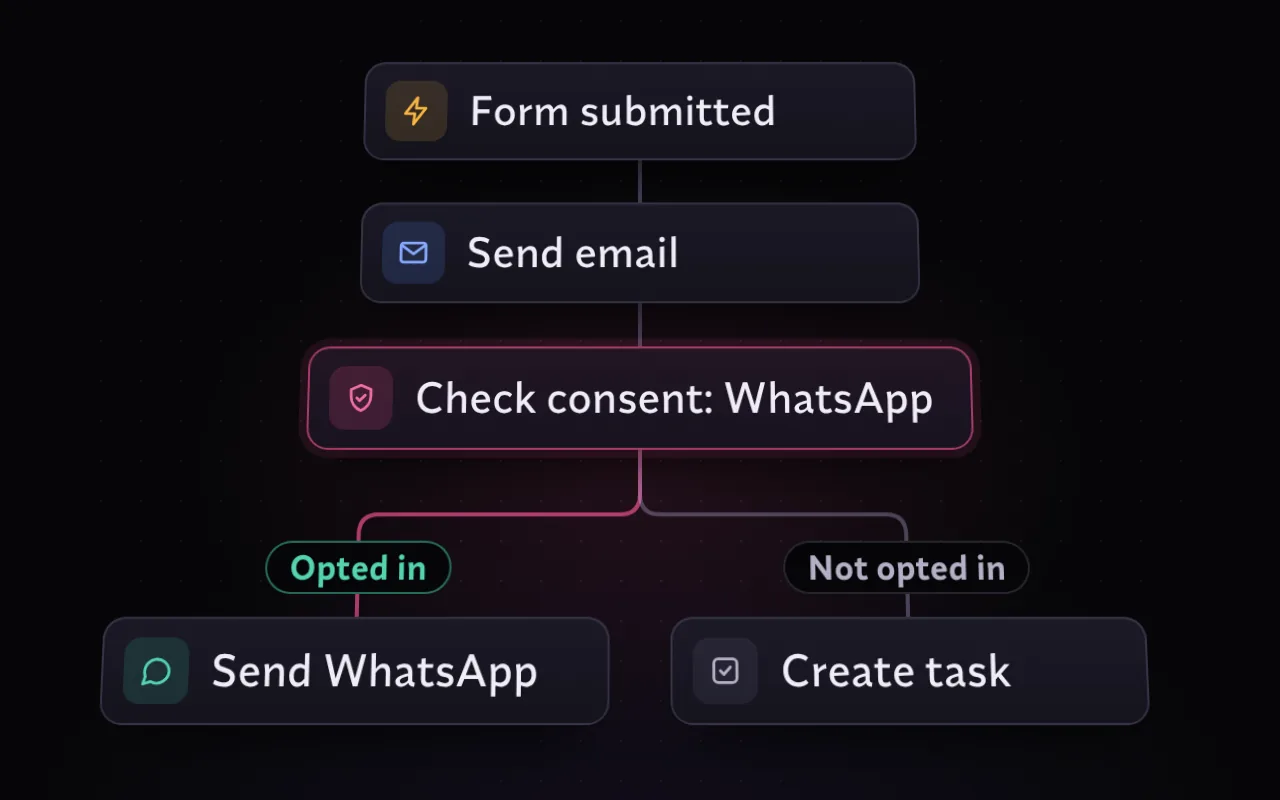
Drag steps onto a visual canvas and connect them. Steps cover email, SMS, WhatsApp and multi-channel sends, delays, conditions, branches and loops, field updates, webhooks and scheduled follow-ups.

  • Email, SMS, WhatsApp and multi-channel steps
  • Delays, conditions, branches and loops
  • Lists and field updates
  • HTTP request, webhook or named integration
  • Schedule a follow-up
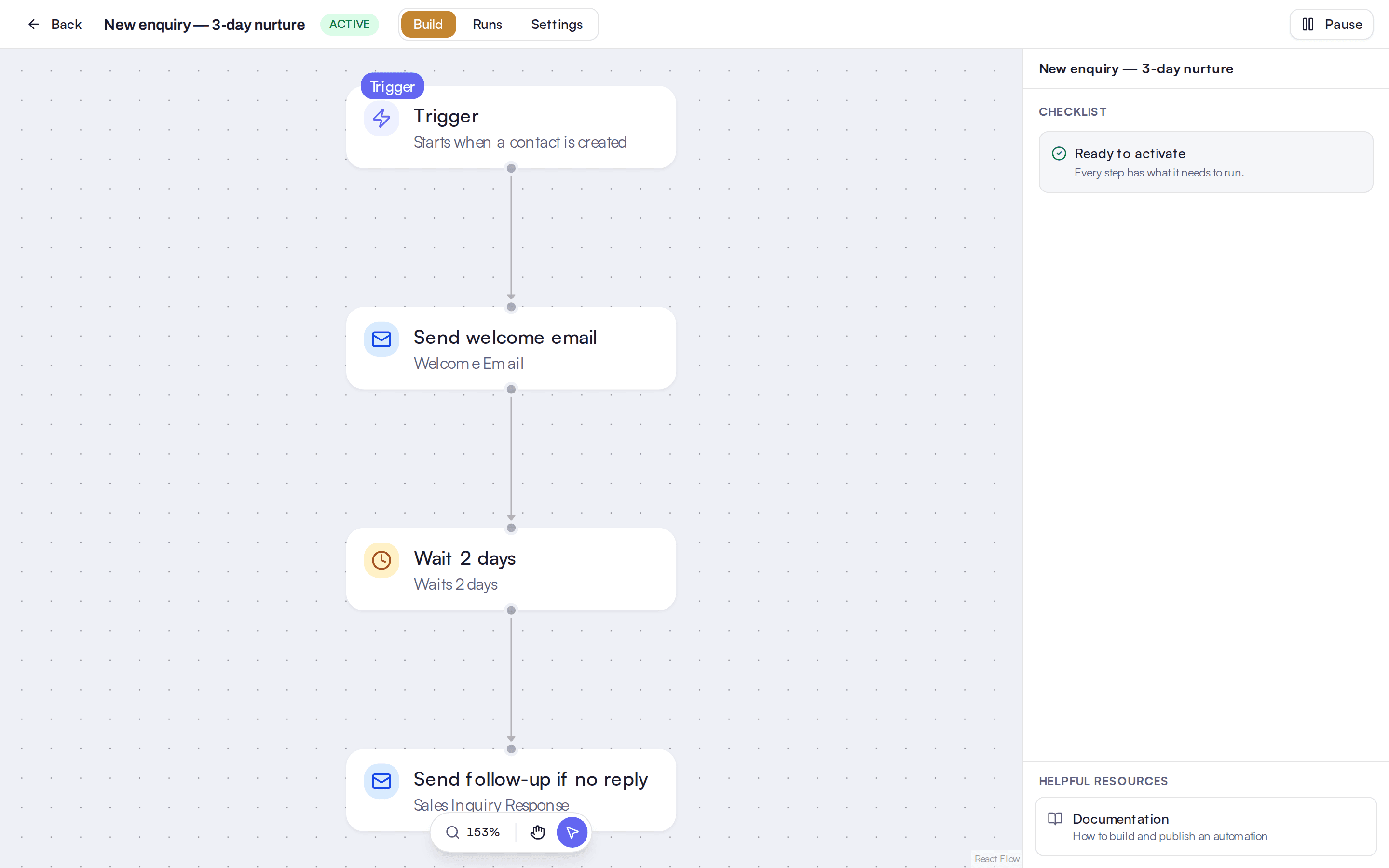
The automation canvas with a follow-up workflow laid out as connected steps.

Start from something that happened.

A workflow can start manually, on a new contact, list entry, form submission or date, on website tracking events, on a tier or churn-risk change, or on a missed call.

  • Manual, list entry, contact created, form submission
  • Date-based
  • Website tracking events, including "did not happen"
  • Tier change or churn risk
  • Missed call

See what ran, and why.

The runs view lists each execution, so when a customer asks why they got a message, you can answer.

  • A runs view for every workflow
  • Step-level results

AI in Automations builds the flow from your description.

"Generate a flow with AI" turns a description into a workflow, and "Refine this flow with AI" edits an existing one. Generated flows save as drafts until someone activates them.

  • Nothing runs until someone switches the workflow on.
  • The builder checks its own flow and tries to fix validation problems before you see it.

Built on Spectra core. Customers, vehicles and the books are shared by every module, and Spectra AI works across them.

See the platform

Connected modules. They work from the same customer, vehicle and money records as this one.

Works with. The systems this module connects to.

  • Twilio SMS and WhatsApp

    Send SMS and WhatsApp from the CRM, with delivery status.

    Connect your accountFrom Professional

  • AWS SES and SMTP

    Email delivery for campaigns and one-to-one mail, through Amazon SES or an SMTP server.

    Connect your account

Questions and answers

Will the AI switch a workflow on for me?

No. Generated flows save as drafts and a person activates them.

Does it respect marketing consent?

Yes. Email, WhatsApp and multi-channel send steps check the matching marketing consent by default, so a contact who has not agreed is not sent marketing. You can switch the check off on a step for a transactional message, and a consent check step lets you branch on it.

What can start a workflow?

A manual start, a list entry, a new contact, a form submission, a date, a website tracking event, a change in customer lifetime-value tier or churn risk, or a missed call.

Can a workflow call another system?

Yes. It can send an HTTP request or webhook, or call a named integration, and expressions are evaluated in a sandbox.

What if a loop goes wrong?

A runaway-loop cap stops it, and failure alerts tell you a run failed.

Can I see what a workflow did?

Yes. The runs view lists each execution.

Follow up leads without doing it all by hand.

Book a demo and describe a workflow in a sentence. We will build the draft with you.

Spectra. The DMS for leisure dealers.